Have you ever assumed your Shopify sales tax setup was running on autopilot? Most small business owners do. And honestly, Shopify is powerful enough to make that assumption feel reasonable. But here’s the uncomfortable reality: the platform cannot protect you from your own configuration mistakes. A poorly executed Shopify sales tax setup can quietly trigger back taxes, steep state penalties, and audits before you even realize something went wrong. So, let’s break down the most common errors and, more importantly, how to fix them before they become expensive problems.
Why Getting Your Shopify Sales Tax Setup Right Is Critical
Think of collected sales tax like borrowed money. You’re holding it temporarily on behalf of each state, and the state fully expects it back, on time and in full. However, Shopify does not remit or file your taxes for you unless you use Shopify Tax and set up automated filing. That distinction matters enormously. Even the most advanced Shopify sales tax setup requires active human oversight to stay genuinely compliant. Close enough simply isn’t good enough when state auditors come knocking.
Mistake #1: Ignoring Economic Nexus Across State Lines
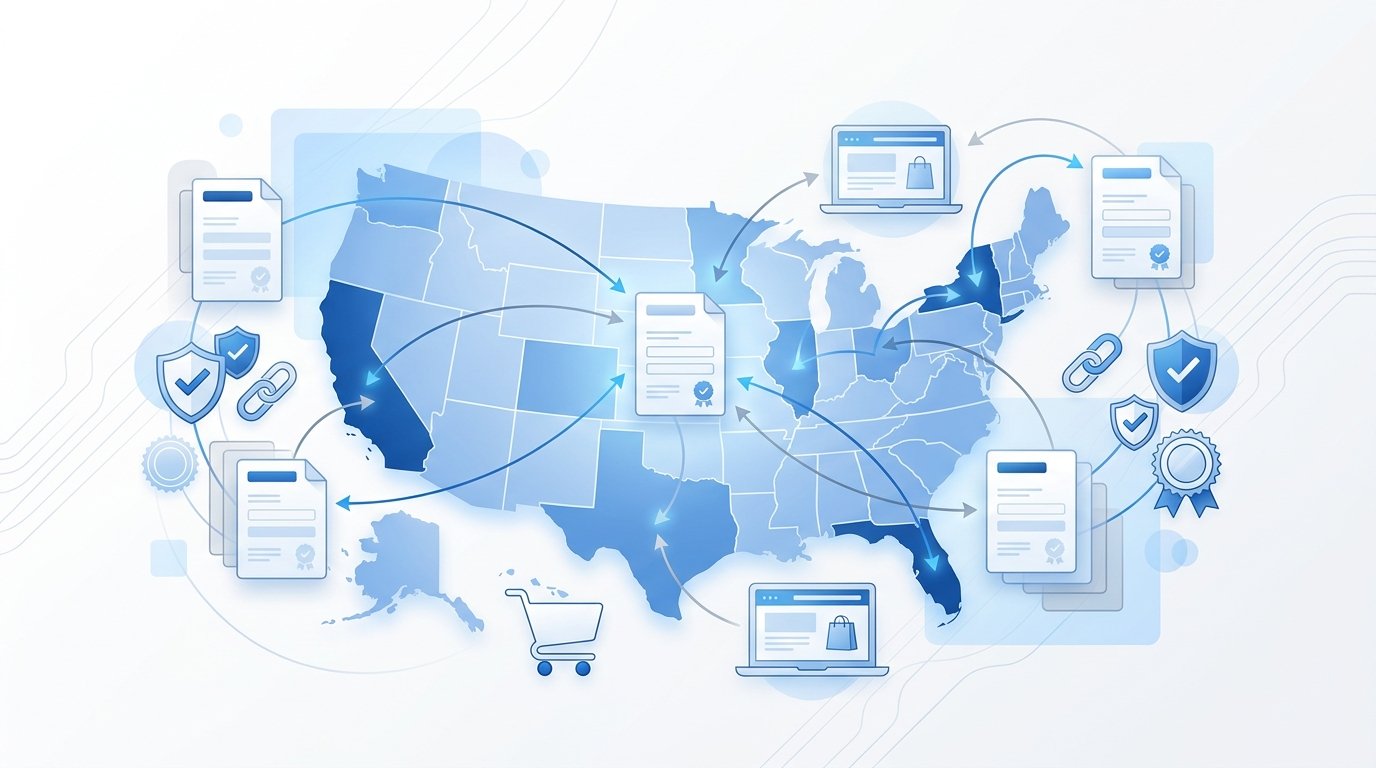
This is, without question, the most costly mistake. After the landmark 2018 Supreme Court ruling in South Dakota v. Wayfair, states can now require out-of-state online sellers to collect and remit sales tax based solely on sales volume. You don’t need a physical office or warehouse in a state to owe tax there.
Most states use a $100,000 sales threshold, though some go higher or also include transaction counts. California requires nexus only if sales exceed $500,000, while New York requires meeting both a $500,000 threshold and 100 transactions. If your Shopify sales tax setup doesn’t actively track which states you’ve crossed into, you could already be accumulating serious tax liability without realizing it. For a full breakdown of how these rules apply to your business, read our Economic Nexus Guide for Small Businesses.
Physical Nexus Is Also a Factor
Physical nexus doesn’t just mean a store or office. Fulfillment centers might count as having physical nexus, which means you might be liable for taxes in states where your third-party logistics provider has a fulfillment center. A remote employee working in another state, or even a booth at a trade show, can flip that switch just as quickly.
Common Physical Nexus Triggers
- Inventory stored in a third-party fulfillment or FBA warehouse
- Employees or contractors working in another state
- Participating in trade shows or pop-up events
- Owning or leasing equipment in a state
If you use fulfillment services, our article on Amazon FBA Sales Tax Nexus walks through exactly how that exposure works.
Mistake #2: Wrong Product Taxability in Your Shopify Sales Tax Setup
Not every product is taxed the same way, and not every state taxes the same products. Clothing is fully exempt in Pennsylvania and New Jersey but taxable in most other states. Groceries, dietary supplements, and digital goods each follow their own complicated patchwork of state rules.
Many business owners assume product categories in Shopify are set up correctly out of the box, but the same category can be taxed completely differently from state to state, because each state defines those products in its own way. The wrong category in your Shopify sales tax setup means you’re either overcharging your customers or undercharging the state, and both create serious compliance problems that compound over time.
Don’t Rely Solely on Default Settings
Shopify’s suggested categories give you a reasonable starting point, but nothing more. Shopify Tax applies different rates based on product type, and it handles this effectively only if your products are categorized correctly. That “only if” is doing a lot of heavy lifting.
Key Product Categories to Double-Check
- Clothing and apparel (exempt in several states)
- Groceries and food items (taxability varies widely)
- Supplements and health products (often reclassified by state)
- Digital downloads and SaaS products (increasingly taxed)
Always verify each product category manually. For complex product lines, work with a sales tax professional to confirm taxability state by state.
Mistake #3: Applying Origin-Based Rates in a Destination State
Most U.S. states are destination-based, meaning the applicable tax rate is determined by your customer’s shipping address, not where your business is located. This is one of the most misunderstood aspects of Shopify sales tax setup, and it’s a textbook error that leads to systematic undercollection or overcollection on every order. Some states, such as California, use hybrid tax rules, which combine origin and destination rules to determine tax rates. Our article on which address determines sales tax on your invoice explains precisely how sourcing rules affect your calculations at checkout.
Mistake #4: Collecting Tax Before You’re Registered
This one genuinely surprises a lot of sellers. Shopify allows merchants to enable tax collection in any state, but you should not enable collection in states where you aren’t registered. Collecting without a permit creates legal complications and doesn’t actually make you compliant. First, register with each state’s tax authority and obtain a valid sales tax permit. Then, and only then, enable tax collection for that state inside Shopify. Doing it in reverse order doesn’t just fail to help; it actually creates a new layer of exposure.
Mistake #5: Skipping Exemption Certificate Management
If you sell to wholesalers, resellers, or nonprofit organizations, some of your customers are legally tax-exempt. However, granting those exemptions without collecting valid, current exemption certificates is one of the most targeted audit triggers in existence. Mistakes in exemption management are a common target for auditors, as even minor errors can result in penalties, and the top triggers for penalties are sales tax rate or rule errors and missing exemption certificates.
In Texas, sellers must keep certificates on file for at least four years. In Florida, once a certificate expires, every sale becomes taxable until a valid one is in place. Build a consistent process to collect, validate, and renew these documents, or use a tool that automates certificate management inside your Shopify store. Our Sales Tax Compliance FAQs cover exemption rules in greater detail.
Mistake #6: Collecting Tax but Not Remitting It
Collecting sales tax from your customers is only half of the compliance equation. You must also file returns and remit those funds to each state by the correct deadline, whether that’s monthly, quarterly, or annually. When you register for a sales tax permit, states assign a filing frequency based on your expected sales volume, and if you miss a deadline, you may face penalties, interest charges, or compliance notices, even if no tax is owed. If you’ve never collected sales tax at all, the exposure is even steeper. Our article on what happens if you never collected sales tax covers the specific risks and your options in detail.
Why Software Alone Can’t Protect You
Shopify Tax, Avalara, TaxJar, and similar platforms are genuinely valuable tools. They automate rate calculations, monitor nexus thresholds, and generate filing-ready reports. But, as sales tax experts at TaxValet point out, software follows rules, not judgment, and when things go wrong, audits drag leadership away from priorities, penalties eat into profits, and unexpected liabilities choke cash flow. In these worst-case scenarios, software isn’t going to help you redo your tax settings, file corrections, or defend you when an audit happens.
Think of it like GPS navigation. GPS is useful for directions, but it can’t warn you that the road ahead is flooded. That judgment requires a human being in the driver’s seat. No matter how carefully configured, your Shopify sales tax setup still benefits enormously from periodic professional review, especially as your business scales across new states.
Conclusion
Getting your Shopify sales tax setup right is not a set-it-and-forget-it task. As your business grows, as you cross new state thresholds, and as tax laws continue evolving, your configuration must evolve with them. The mistakes above, from ignoring nexus to collecting without a permit to never remitting what you’ve collected, are the exact traps that catch small Shopify sellers off guard every year. Technology helps you get close, but human expertise is what keeps you fully compliant.
At My Sales Tax Firm, we specialize in helping small ecommerce businesses get their sales tax obligations right the first time. Whether you’re just launching your Shopify store or untangling years of misconfigured Shopify sales tax setup, our team can review your settings, identify the gaps, and close them before a state auditor ever finds them. Contact My Sales Tax Firm today for a free, no-obligation consultation. It’s a small investment of time that could save your business thousands of dollars.